
Support · Profiler
Profiler support
Short how-to videos to get your Profiler flying, and the Data Explorer for looking at what you measured.
Step by step
-
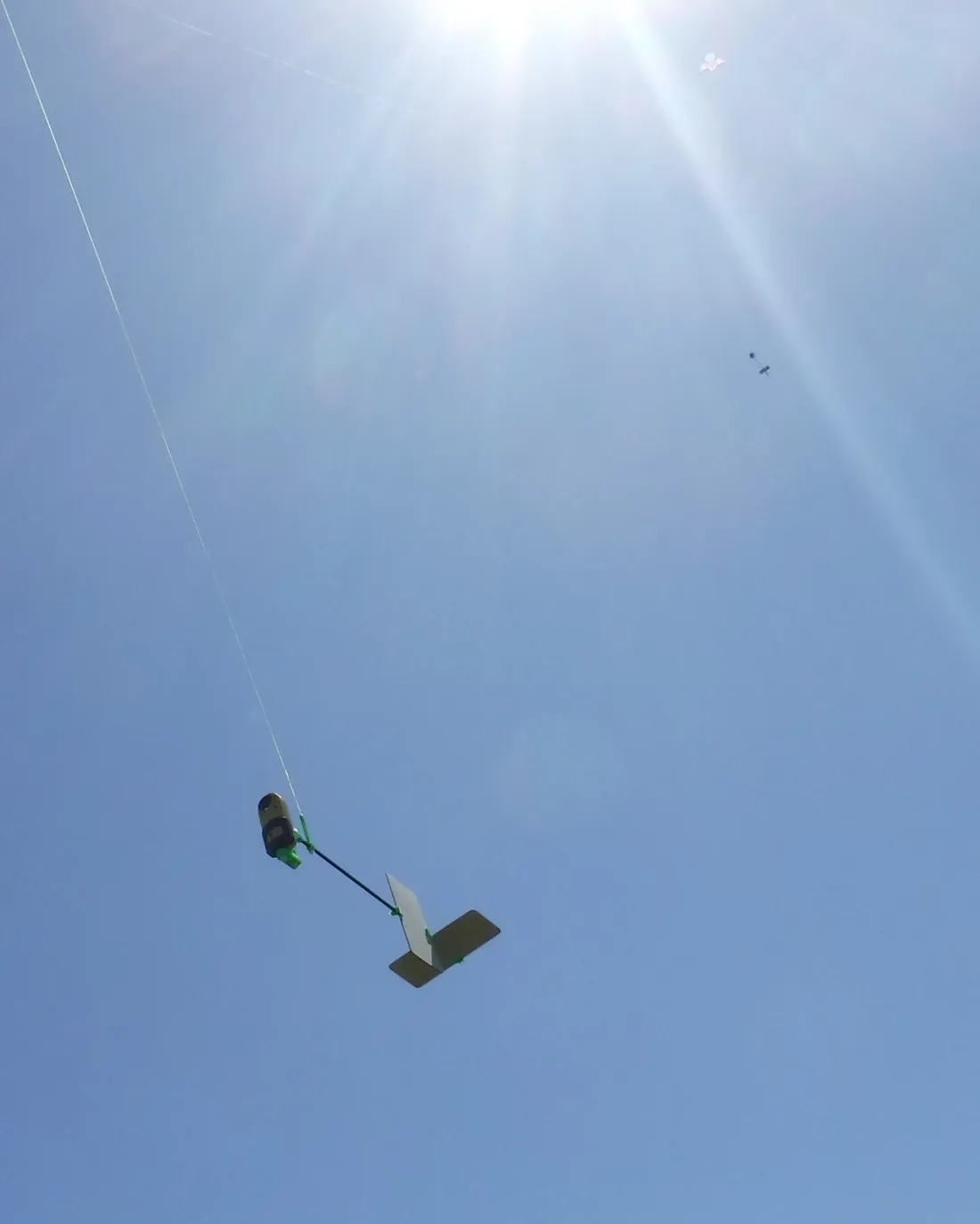
Assemble the Aeropod
Put the airframe together.
Aeropod Assembly -
Set up the Kestrel
Configure the Kestrel 5500 to log your flight.
Configure Kestrel -
Attach it to the line
Connect the leader, then hang the Aeropod from the kite line.
Aeropod Leader Connections and Attachment
Aeropod Attachment -
Fly
Use any stable kite or balloon system that produces steady lift and line tension. See flying basics for site checks, launching and retrieval.
-
Get your data off the Kestrel
Export the flight log as a CSV file.
Kestrel Data Retrieval -
Explore it
Drop the CSV into the Data Explorer to plot and download your results.
Profiler videos
Sharing data with AREN
Videos are from NASA's AREN project (AEROKATS and ROVER Education Network) and open on MiStreamnet in a new tab.
Data Explorer
Examine and download your flight data
The Data Explorer turns the raw Kestrel CSV into interactive time series, vertical profiles, potential temperature plots and a 3D flight view, each downloadable as a PNG. Load the example flight to see how it works, or upload your own. Your data stays in your browser — nothing is uploaded.
Need a hand? Email sales@bst.aero or call (720) 638-9656.